Design system for Flutter without Material or Cupertino! 😍
Live Demo • See in Production • Github • Pub.dev


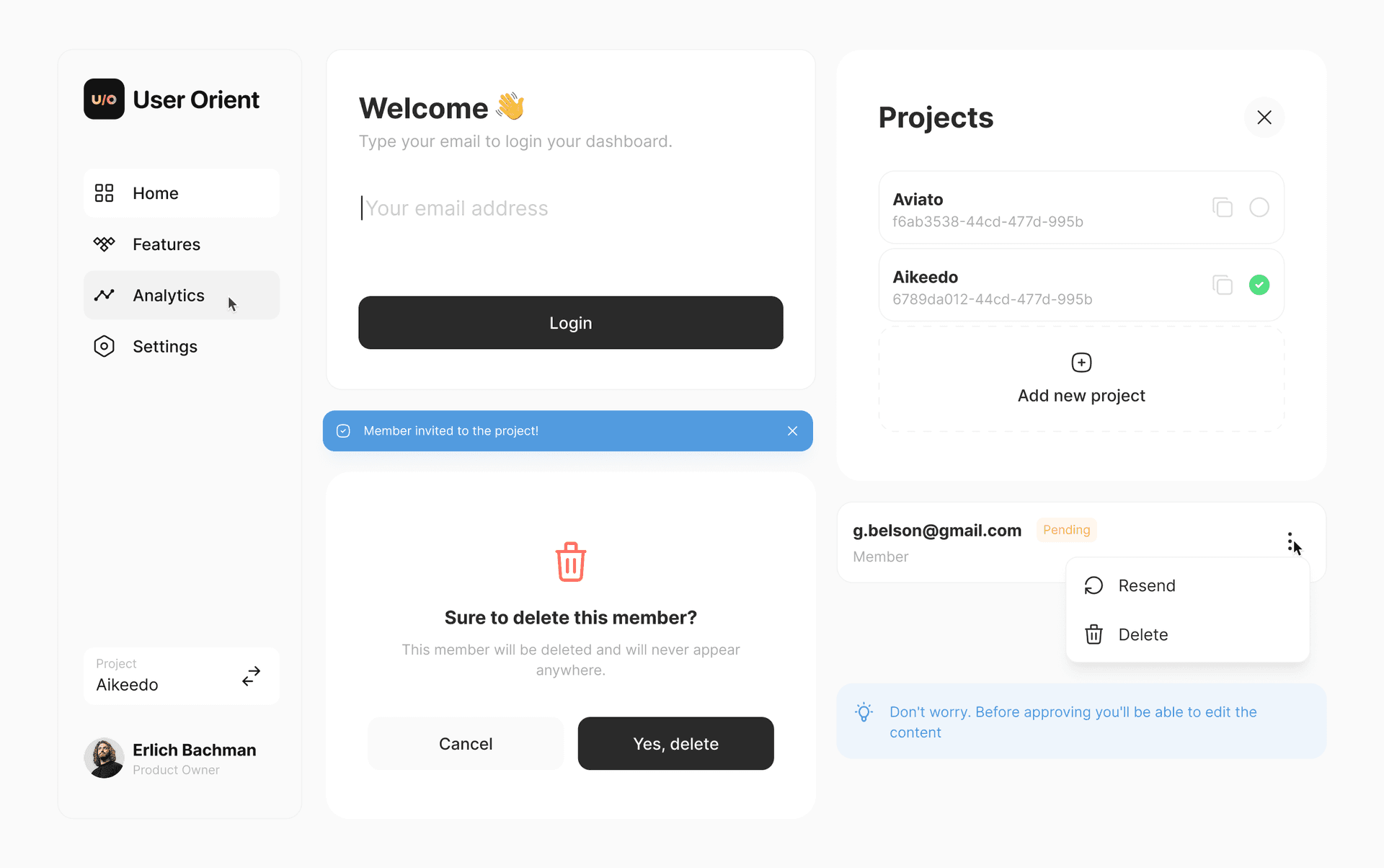
- 🌍 Cross-platform. Works on iOS, Android, Web, macOS, Windows, and Linux.
- 🎨 No Material or Cupertino. Neutral design system with total freedom to customize.
- 📦 You own the code. Generated files are yours to modify however you want.
- 🔓 No lock-in. No dependency on a package, just plain Dart files in your project.
UserOrient is a feedback SDK for Flutter apps.
Its web dashboard and mobile app is built with this design system.
Now it's yours to build web and desktop apps with Flutter easier (and also mobile apps).
Want to say thanks? Use UserOrient SDK in your Flutter apps, it's cool!
Note
Early development. API may change. Building in public on X/Twitter. Your feedback and contributions are welcomed!
dart pub global activate orient_uiNavigate to your Flutter project and run:
orient_ui initThis creates lib/style.dart in your project. You own this file: move it wherever you want (e.g., lib/core/style.dart).
orient_ui add buttonThis creates lib/button.dart. Move it wherever you want (e.g., lib/widgets/button.dart).
Important: Update the import inside the component file to match where you placed style.dart:
// In button.dart, update this line:
import 'package:your_app/style.dart'; // adjust to your pathButton(
label: 'Click me',
onPressed: () {},
)Components follow system brightness by default. No wrapping needed.
To control dark mode manually, wrap your app with Style:
Style(
  brightness: Brightness.dark,
  child: MaterialApp(
    home: MyHomePage(),
  ),
)orient_ui init # Initialize style system
orient_ui add # List available components
orient_ui add <widget> # Add a specific widget- Button (6 variants)
- Spinner
- NavBar (Navigation Rail + Bottom Bar)
- Toast
- EmptyState
- CopyButton
- Popup
- AlertPopup
- ConfirmationPopup
- SearchField
- Toggle
- ToggleTile
- Tile
- CardBox
- TextField
- Tabs
- InlineTabs
- Radio
- RadioTile
- Menu
Check them out at interactive web demo.

All widgets are tested for rendering, interaction, accessibility, and theming.
Open style.dart and edit the constants at the top. That's it. You own the file.
// Light Theme - Base
const Color _lightBackground = Color(0xFFFFFFFF);
const Color _lightBorder = Color(0xFFE4E4E7);
const Color _lightForeground = Color(0xFF2A2A2A);
// ... change these to match your brandBuilt by the team at UserOrient